Windows 11 Start Menu Search Broken? Microsoft Fixed It
Start Menu search went blank April 6-8? Microsoft fixed it server-side. Here is what to check if yours is still broken.


Step-by-step IT guides and tutorials
Start Menu search went blank April 6-8? Microsoft fixed it server-side. Here is what to check if yours is still broken.
QuickBooks payroll throwing Error 15311 or 31600 right before payday? Here's what's actually working.
Microsoft pulled broken KB5079391 and released emergency update KB5086672. Fix error 0x80073712 on Windows 11 24H2 and 25H2.
After installing security updates on Windows Server 2025, Remote Desktop sessions freeze with an unresponsive mouse and keyboard. The problem is a conflict between UDP transport and bitmap caching.
Microsoft rolled out a virtual account change to Exchange Online that broke Outlook on mobile and Mac for thousands of users. They pulled it back, but some mailboxes are still affected.
Your Server 2025 domain controller keeps falling back to the Public firewall profile after every reboot. The NLA service loses the race, and shares, RDP, and AD auth all break until you intervene.
After upgrading to Windows 11 24H2, your Wi-Fi drops randomly, especially after sleep or during video calls. Microsoft changed a service dependency that quietly breaks wireless on affected machines.
KB5079473 is causing Explorer freezes, blue screens, and app crashes. Here is how to stabilize your system or roll back safely.
Secure Boot certificate updates can block Windows Boot Manager. How to reset Secure Boot and get back in.
ndMail login loops and session errors usually come down to a wrong Host registry key or stale OAuth tokens. Here's how to fix both.
Windows 11 says your printer driver is unavailable. Microsoft blocked legacy V3/V4 drivers from Windows Update. Here's how to fix it.
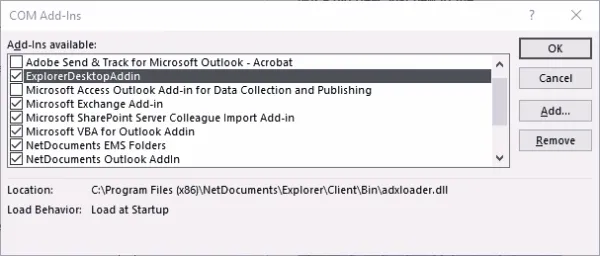
Outlook auto-disables the NetDocuments add-in every few days. The DoNotDisableAddinList registry fix stops the cycle for good.