uBlock Origin Gone From Chrome: What to Use Now
Chrome purges the last Manifest V2 extensions August 31, 2026. Your real options: uBlock Origin Lite, Firefox, or Brave.


Chrome purges the last Manifest V2 extensions August 31, 2026. Your real options: uBlock Origin Lite, Firefox, or Brave.
ESU enrollment failing? Fix the prerequisites and get free Windows 10 security updates through October 12, 2027.
HP firmware blocking third-party cartridges? What Dynamic Security is and your four realistic options.
BitLocker keeps asking for your recovery key after the June 2026 update? Suspend and resume protection to stop the Secure Boot prompt.
Custom folder icons or localized names gone after June 2026 update KB5094126? Intentional desktop.ini hardening. How to restore them.
AMD Radeon users seeing TDR timeouts, black screens, and crashes after KB5089549. AMD published a hotfix driver on May 24.
QuickBooks Desktop 2023 and older lost payroll, bank feeds, and support on May 31, 2026. What still works and your options.
Outlook throws 0x800CCC0E when sending through Gmail or Yahoo after a password change. The OAuth token is stale. Here's how to fix it.
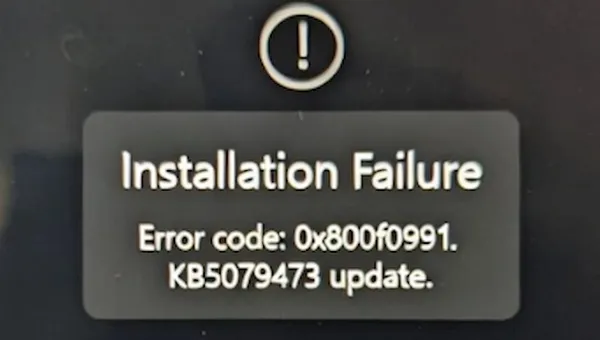
The March 2026 update KB5079473 is failing to install on many machines, especially Surface and Snapdragon devices. Here's how to break the loop.
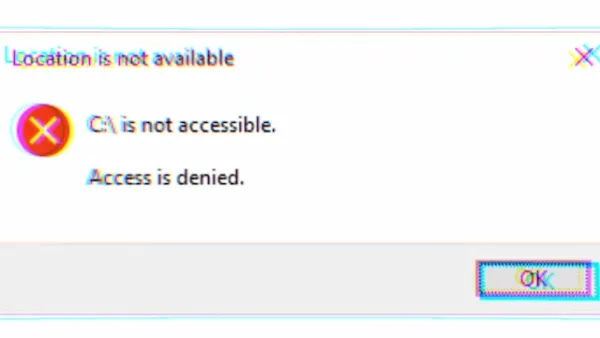
Galaxy Book users seeing "C:\ is not accessible. Access is denied" after a recent update - it's not Windows. Here's the real fix.
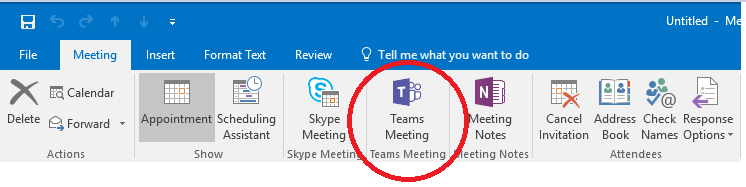
Outlook disables the Teams Meeting add-in every few days because it loads too slowly. Here's the permanent registry fix to stop the cycle.
The Teams Meeting button vanished from your Outlook ribbon after a Teams update. The COM add-in registration is stale. Here's the fix.