


Every small office has one: the spreadsheet called passwords.xlsx, the sticky note under the keyboard, or the shared login that five people text to each other. When one of those people leaves, nobody knows which passwords they took with them.
A password manager fixes that, and several good ones cost nothing to start. If you need a free password manager for small business use, here are the best options, what each one actually gives you for free, and the catch that shows up later.
1. Bitwarden
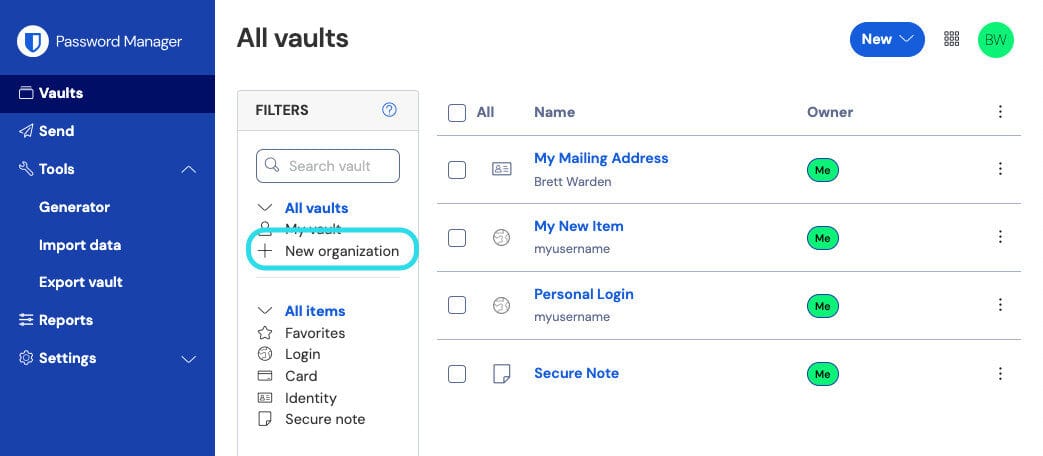
Bitwarden is where most small offices should start. The Bitwarden free plan stores unlimited passwords on unlimited devices, with apps for browsers, phones, and desktops. It is open source and uses zero-knowledge encryption, so Bitwarden cannot read what you store.
Who it is for: offices that want a hosted service with a clear path from free to paid.
The catch: free sharing is small. Bitwarden states that a free organization lets two users share items in up to two collections. That covers an owner and an office manager. A real team needs the paid Teams plan, which adds unlimited users and event logs, and the Enterprise plan adds single sign-on and admin policies. Bitwarden also offers self-hosting if you want the data on your own server.
Verdict: the default pick. Start free with two people, then move to Teams when the third person needs access. Bitwarden business plans
2. Vaultwarden
Vaultwarden is a free, open source server that speaks the Bitwarden protocol. Your staff use the regular Bitwarden apps and browser extensions, but the vault lives on a server you run. Its README lists organization features including groups, event logs, and policies, which Bitwarden reserves for its paid plans.
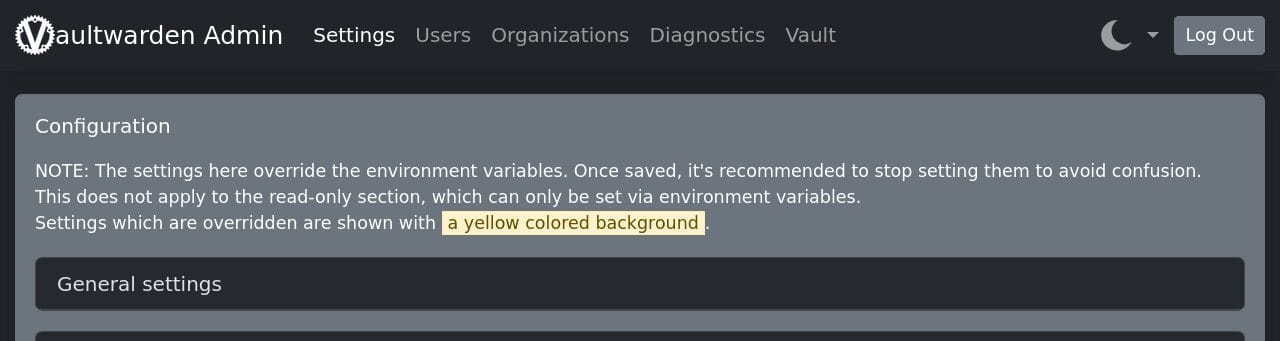
The project recommends running it as a container. This is the example from its own documentation:
docker pull vaultwarden/server:latest
docker run --detach --name vaultwarden \
  --env DOMAIN="https://vw.domain.tld" \
  --volume /vw-data/:/data/ \
  --restart unless-stopped \
  --publish 127.0.0.1:8000:80 \
  vaultwarden/server:latest
Who it is for: offices with someone who already runs servers and backs them up.
The catch: you are the vendor now. The project says plainly that it is not associated with Bitwarden, Inc. and cannot be held liable for data loss, and it tells you to back up your files and database regularly. The web vault only works over HTTPS, so you also need a certificate and, as the docs suggest, a reverse proxy. If that server dies on a Friday and the backups were never tested, every password in the office goes with it.
Verdict: excellent if you already run infrastructure well. A bad idea as your first server. Vaultwarden on GitHub
3. KeePassXC
KeePassXC keeps everything in one encrypted database file on your own computer, protected with AES-256 or Twofish. There is no account and no cloud service. You can add a key file or a YubiKey on top of the master password, and it runs on Windows, macOS, and Linux. It has also had an independent security audit, completed in January 2023.
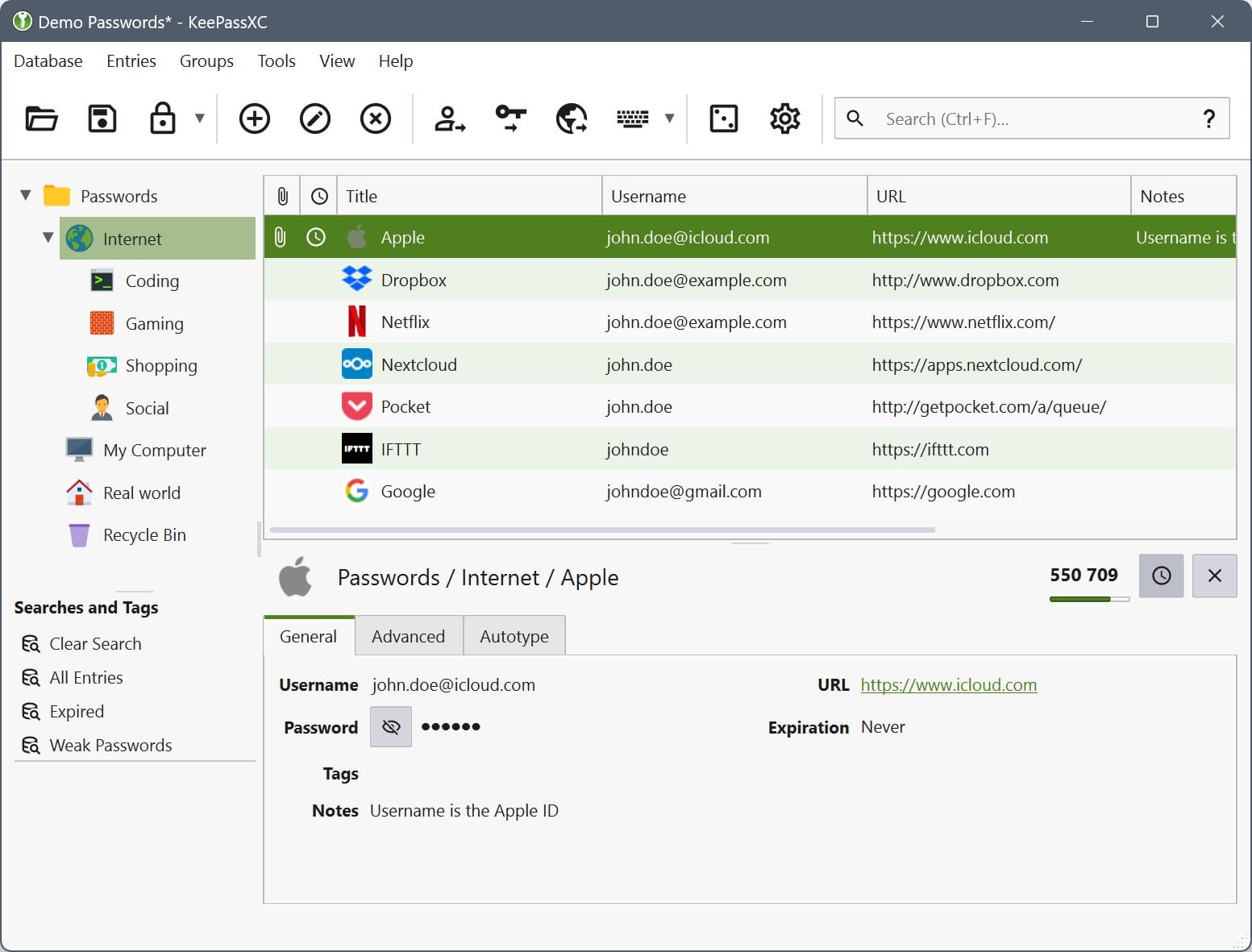
Who it is for: the IT person or owner who wants a private vault for admin credentials that never touches the internet.
The catch: it is a file, not a team service. The project itself says it is built for individuals who do not want an online service. Sharing means passing the file around, there is no admin console to remove someone, and there is no official mobile app; the docs point you to third-party apps such as KeePassDX and Strongbox.
Verdict: great as a break-glass vault for the person who holds the keys. Wrong tool for a whole office. KeePassXC
4. Proton Pass
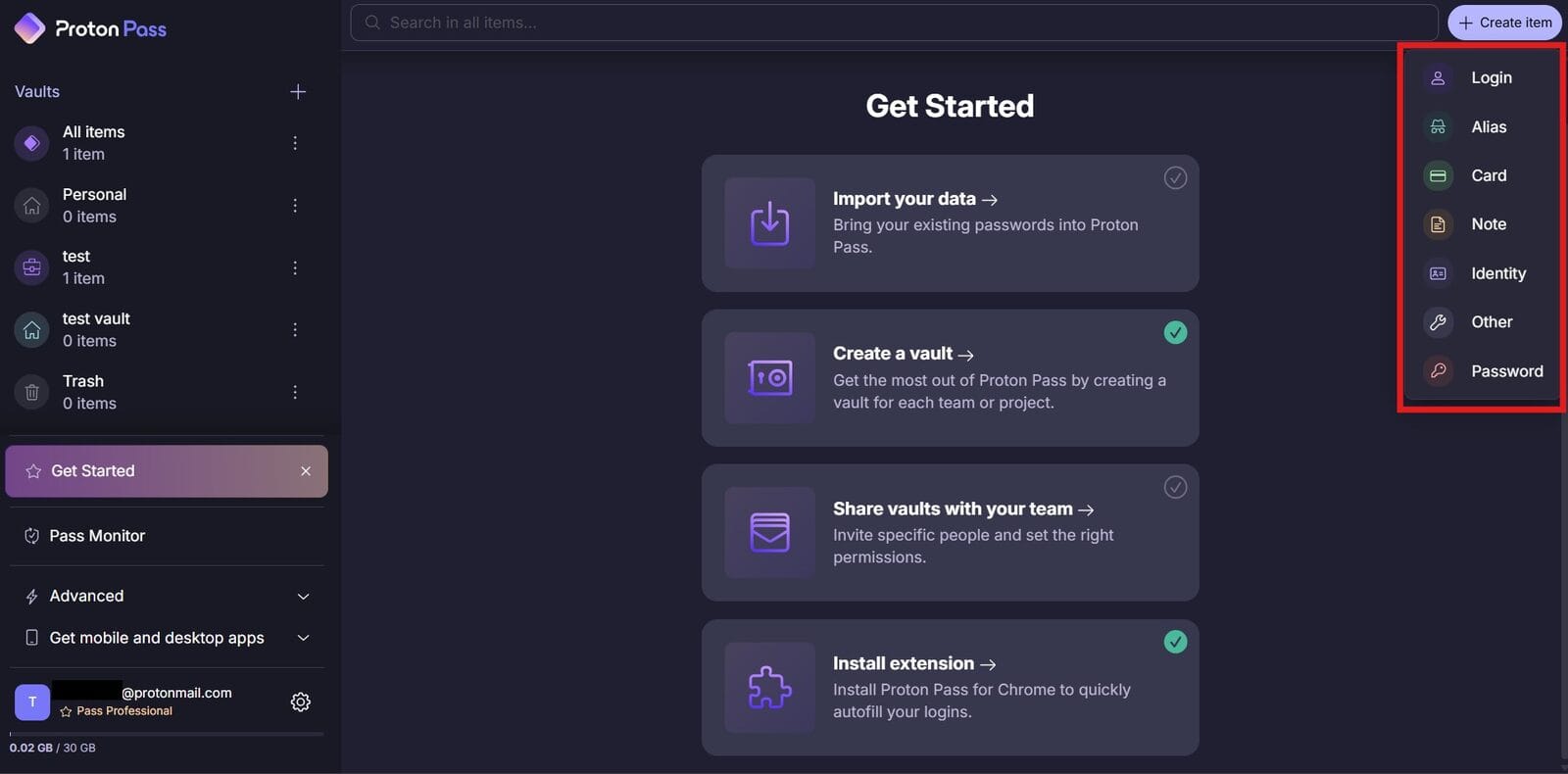
Proton Pass comes from the company behind Proton Mail. The free plan includes unlimited logins on unlimited devices, a password generator, passkey support, and alerts for weak and reused passwords. Every field is end-to-end encrypted, including usernames and web addresses.
Who it is for: teams that already use Proton, or anyone who cares most about privacy.
The catch: free is for one person. The free plan is limited to two vaults, and secure vault sharing is listed as a paid feature. For a team, you need a business plan: Pass Essentials adds vault, item, and link sharing, and Pass Professional adds single sign-on, SCIM provisioning, and detailed activity logs.
Verdict: a strong personal choice and a credible business option, but plan on paying once two people need to share. Proton Pass business plans
5. The Browser Password Manager
Chrome, Edge, and Safari will all save passwords, and that beats a sticky note. The problem for a business is ownership. When those passwords live in each employee’s personal, unmanaged browser profile, there is no company vault and nobody can pull access back cleanly when someone leaves. If your office runs on browser-saved passwords today, a proper manager is one of the cheapest security upgrades you can make.
Leaving staff is where this bites. Our Microsoft 365 offboarding checklist covers the account side; a shared vault is what makes the password side possible.
Free Password Manager for Small Business Comparison
| Tool | Free team sharing | Where the data lives | Admin controls | Best for |
|---|---|---|---|---|
| Bitwarden | 2 users, 2 collections | Bitwarden cloud or self-hosted | Paid: event logs, SSO, policies | Most small offices |
| Vaultwarden | Yes, on your server | Your own server | Admin panel, organizations, policies | Offices that run servers |
| KeePassXC | No, file-based | An encrypted file you store | None | One admin’s private vault |
| Proton Pass | No, sharing is paid | Proton cloud | Paid: SSO, SCIM, activity logs | Privacy-first teams |
| Browser manager | No company vault | Each user’s browser account | None for business | Personal use only |
Which One to Pick
Two people, no IT staff: Bitwarden free. It is quick to set up and grows into a paid plan without switching tools.
A growing team that needs shared folders and an audit trail: a paid Bitwarden Teams or Proton Pass business plan. Paying here buys you the thing that matters, which is pulling access when someone leaves.
You already run a reliable server and backup routine: Vaultwarden, with backups you have actually restored at least once.
Admin credentials for the person who holds the keys: KeePassXC, stored somewhere that is backed up.
Whatever you choose, turn on two-step login for the vault itself, and keep moving toward passkeys. Our post on why passkeys change everyday logins explains where that is heading.
Frequently Asked Questions
Is the Bitwarden free plan enough for a business?
For two people, often yes. Bitwarden states that a free organization lets two users share items in up to two collections, and each user still gets unlimited passwords on unlimited devices. Once a third person needs shared access, or you want event logs showing who did what, you need the paid Teams plan. Enterprise adds single sign-on and admin policies for larger or regulated offices.
What happens if the password manager company gets hacked?
Bitwarden says it always encrypts your data on your own device before anything is sent to its cloud servers, and that those servers only store encrypted data. It describes this as zero knowledge encryption: you are the only party holding the keys. Proton says the same of Pass. A stolen copy of the server data is useless without your master password, which is why that password and two-step login matter most.
Can we import the passwords already saved in Chrome or Edge?
Yes. Bitwarden documents two routes for Chrome, Edge, and other Chromium browsers: export a CSV file from the browser’s password settings and import it, or import directly from the browser using the Bitwarden desktop app. Proton Pass takes the same Chrome CSV export through the Import tab in its browser extension settings. Delete the CSV once the import is done, because it holds every password in plain text.
What happens to shared passwords when an employee leaves?
In Bitwarden, an admin removes the person from the organization under Members in the Admin Console. Bitwarden says removal eliminates their access to the organization and its data. It also warns that offline devices cache a read-only copy of organization items, so some clients may keep access for a short time. Change the passwords that person could see, the same day.
Do these support passkeys and two-step login?
Bitwarden can save passkeys in your vault and sign you in with them from the browser extension and mobile apps, and Proton Pass lists passkey support in its free plan. For the vault itself, Bitwarden offers free two-step login with an authenticator app, email, or a FIDO2 security key such as a YubiKey. Duo and YubiKey OTP require a premium plan. Turn on at least one method for every account before anyone stores a company password.
References
- Bitwarden Help: Organizations Overview
- Bitwarden Help: Password Manager Plans
- Vaultwarden README on GitHub
- KeePassXC Documentation and FAQ
- Proton Pass Plans
Keep Reading
- Passkeys Are Here: Why Your Employees Will Never Remember a Password Again
- Microsoft 365 Employee Offboarding Checklist
- MFA Fatigue and Push Bombing
Want a password manager rolled out to your team without the chaos? Contact Rain City Techworks.