Fix 0xc0000005: Outlook Crashes with Teams Add-in
Fix the 0xc0000005 crash in Classic Outlook caused by the Teams Meeting Add-in version conflict (Microsoft incident EX1254044).


Fix the 0xc0000005 crash in Classic Outlook caused by the Teams Meeting Add-in version conflict (Microsoft incident EX1254044).
Set up MFA, Conditional Access, and Entra ID hardening for your small business. A practical Microsoft 365 security baseline with clear steps.
Office apps show error 1001 with authentication failures. Repair the WAM broker plugin and clear identity cache.
CVE-2026-20817 lets attackers escalate to SYSTEM via Windows Error Reporting. Patch now, check exposure, and lock it down.
40+ verified cybersecurity statistics for small businesses in 2026. Ransomware costs, phishing rates, and cyber insurance trends.
When you see "Account is locked because user tried to sign in too many times with an incorrect user ID or password" (error code AADSTS50053), this is due to smart lockout protection. The lockout triggers after 10 failed attempts (or 3 for US Gov clouds).
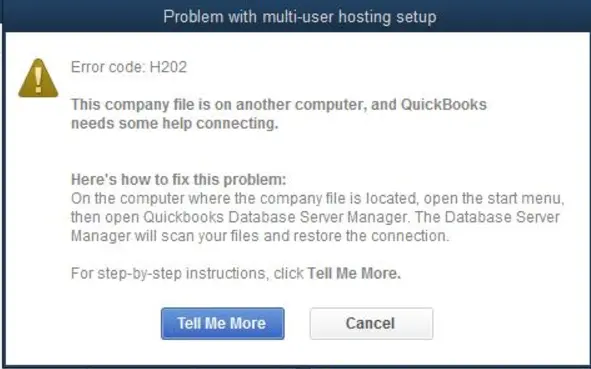
Your QuickBooks multi-user or integration sync is failing with errors like H202, H505, or "QuickBooks is not in Multi-User Mode." These errors block workstations and connected apps from accessing the company file.
Error 734: The PPP link control protocol was terminated when connecting to a VPN, especially one using multi-factor authentication (MFA). This indicates the Point-to-Point Protocol (PPP) negotiation failed, often during the MS-CHAPv2 handshake with MFA.
Autopilot stops at 0x80180014 when enrollment restrictions block the device. Fix the Intune policy and retry.
The AADSTS50034 error occurs because the user account does not exist in the target Microsoft Entra ID (Azure AD) tenant.
Windows Update error 0x800f0922 blocks security patches and puts your systems at risk. Here's how to fix it. Error Message: Error 0x800f0922 - CBS_E_INSTALLERS_FAILED Detailed Message: Package failed to be changed to the Installed state. Status: 0x800f0922
The U.S. Department of Health and Human Services (HHS) enforces HIPAA. This year, they released a "HIPAA for Small Practices" resource