


At the end of December 2026, Microsoft turns off SMTP AUTH Basic authentication by default for existing Exchange Online tenants. Any copier, scanner or app that sends mail through smtp.office365.com with a username and password will stop sending unless you act. Scan to email is the one most offices notice first.
Status as of November 23, 2026: nothing has changed yet. Admins will still be able to turn Basic authentication back on after the default flips, and Microsoft plans to announce a final removal date in the second half of 2027.
What Changes and When
From now until December: nothing changes.
End of December 2026: SMTP AUTH Basic authentication is disabled by default for existing tenants. Admins can still enable it.
New tenants created after December 2026: Basic authentication is unavailable by default, and OAuth is the supported method.
Second half of 2027: Microsoft announces the date it goes away for good.
That replaces the earlier plan to start rejecting it in March 2026. The source is the Exchange Team blog timeline. Microsoft has not given an exact day in December, so plan as if it is December 1.
Find Every Device Still Using Basic Auth
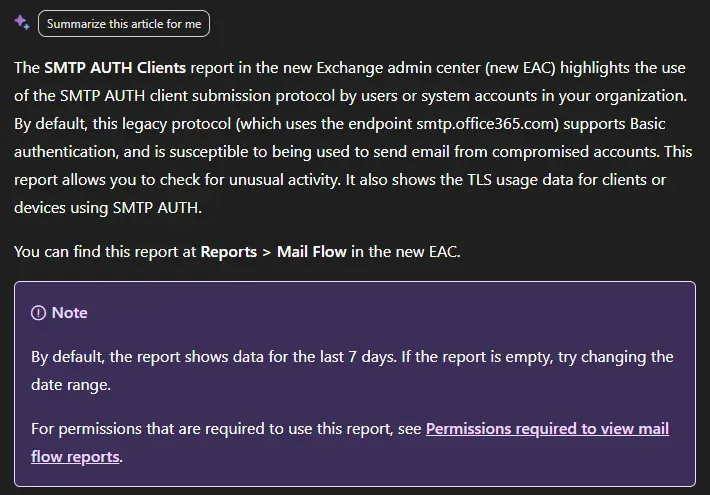
Open the new Exchange admin center and go to Reports, then Mail flow, then the SMTP AUTH clients report. It lists the sending addresses and the authentication protocol each one uses. TlsAuthLogin is Basic authentication. XOAUTH2 is modern authentication. The default view covers 7 days, so widen it to catch a scanner used once a month.
Every TlsAuthLogin address is something to fix: usually copiers, line-of-business apps, website contact forms, backup software alerts and old monitoring tools.
Pick a Fix for Each Device
Microsoft’s guide for multifunction devices and applications lists the options. In plain terms:
Switch the device to OAuth. Newer copiers and many apps support signing in to Microsoft 365 with OAuth. Check the device’s email settings or firmware notes. This keeps the same smtp.office365.com setup and works for any recipient.
Use an SMTP relay connector. Create an inbound connector in Exchange Online that accepts mail from your office’s static public IP, and point the device at your domain’s MX endpoint on port 25. No password is stored on the device, and it can send to outside recipients.
Use Direct Send for internal-only mail. If the scanner only sends to your own staff, it can send straight to your MX endpoint on port 25 with no sign-in. It cannot send outside your organization.
Use High Volume Email or Azure Communication Services for apps. High Volume Email is for internal recipients. Azure Communication Services Email handles external recipients at volume. These suit apps more than copiers.
Replacing a copier that supports none of these is the last resort. Check for a firmware update first, since many vendors added OAuth support in the last few years.
If You Need More Time
After the default flips, an admin can turn SMTP AUTH back on. Check the current organization setting with:
Get-TransportConfig | Format-List SmtpClientAuthenticationDisabledThe safer option is to allow it only on the one mailbox the copier uses, instead of the whole organization. The mailbox setting overrides the organization setting:
Set-CASMailbox -Identity scanner@yourdomain.com -SmtpClientAuthenticationDisabled $falseTwo catches from Microsoft’s SMTP submission docs: security defaults already block SMTP AUTH, and an authentication policy that blocks Basic for SMTP overrides both settings. Treat re-enabling as a bridge. It ends when Microsoft announces final removal.
What This Means for Your Business
If staff scan documents to their inbox, that may stop working the first week of January, and the copier will not tell anyone why. The same goes for alerts from your accounting system or website forms. Ask your IT person to run the SMTP AUTH clients report this week and give you the list of devices on it, with the plan for each one.
Related Posts
Outlook CVE-2026-124194: Windows Update Won’t Fix It
Barracuda ESG CVE-2026-116606: Update to 9.4.0.029
November 2026 Patch Tuesday Known Issues and Fixes
Need help moving copiers and apps off Basic authentication? Contact Rain City Techworks.