uBlock Origin Gone From Chrome: What to Use Now
Chrome purges the last Manifest V2 extensions August 31, 2026. Your real options: uBlock Origin Lite, Firefox, or Brave.


Chrome purges the last Manifest V2 extensions August 31, 2026. Your real options: uBlock Origin Lite, Firefox, or Brave.
ESU enrollment failing? Fix the prerequisites and get free Windows 10 security updates through October 12, 2027.
HP firmware blocking third-party cartridges? What Dynamic Security is and your four realistic options.
Dell laptops overheating or shutting down after the July 2026 update? KB5121767 fixes the Intel power driver conflict.
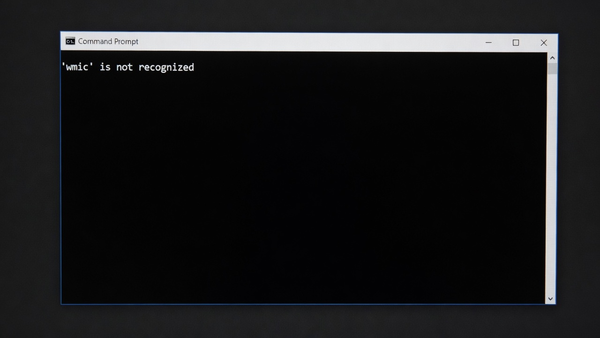
WMIC is disabled by default and full removal is coming. Reinstall it for now, then migrate scripts to Get-CimInstance.
BitLocker keeps asking for your recovery key after the June 2026 update? Suspend and resume protection to stop the Secure Boot prompt.
Custom folder icons or localized names gone after June 2026 update KB5094126? Intentional desktop.ini hardening. How to restore them.
KB5089549 fails with 0x800f0922 on Windows 11 24H2 and 25H2 when the EFI System Partition runs out of room. Confirmed by Microsoft.
May 2026 updates break LDAP and DNS lookups on Windows Server 2016 domain controllers when the hostname is exactly 15 characters.
KB5089573 May 2026 optional preview ships the Low Latency Profile but trips 0x800f0915 and 0x80070306 install failures on older PCs.
Activation breaks with 0x8007007B after the May 2026 cumulative when the installed key type no longer matches the license channel.
AMD Radeon users seeing TDR timeouts, black screens, and crashes after KB5089549. AMD published a hotfix driver on May 24.