

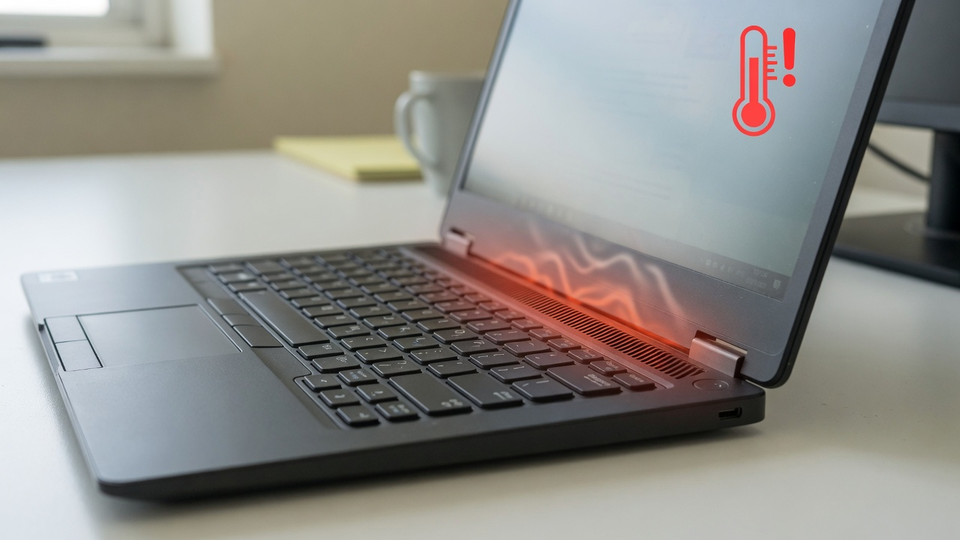
Dell laptop running hot, draining battery, or shutting down out of nowhere since mid-July 2026? Check Device Manager. If "Intel Innovation Platform Framework Processor Participant" shows a yellow exclamation mark, you've got the confirmed conflict between the July Windows 11 update and Intel's power management driver on Dell systems.
Quick Fix
Microsoft shipped an out-of-band fix on July 18, 2026: KB5121767, OS builds 26100.8894 and 26200.8894. Install it from Settings, Windows Update, Check for updates, then reboot.
Verify the driver recovered afterward: open Device Manager, expand System devices, and confirm Intel Innovation Platform Framework Processor Participant no longer shows a warning icon. Give the machine a normal work session; temperatures and battery behavior should return to baseline.
Microsoft: KB5121767 out-of-band update
What Happened
The July 14 cumulative update KB5101650 conflicted with the Intel Innovation Platform Framework driver that handles thermal and power management on affected Dell models. With the driver down, machines lost proper thermal control: unexpected shutdowns, overheating, faster battery drain, and degraded performance. Microsoft put a compatibility hold on the July update for affected Dell devices and released KB5121767 four days later.
The issue is listed as resolved on Microsoft's Windows 11 24H2 release health dashboard, so if Windows Update is current, you're past it.
Windows 11 24H2 resolved issues dashboard
If It's Still Overheating
KB5121767 installed and the machine still runs hot? The update conflict probably wasn't your problem.
Update Dell drivers and BIOS. Run Dell's SupportAssist or grab the latest BIOS and Intel chipset drivers from Dell's support site for your service tag.
Check what's eating the CPU. Task Manager, Processes tab, sort by CPU. Sustained high load from one process is a software problem, not a thermal driver problem.
Clean the vents. A laptop that's been running hot for weeks may just be full of dust. Compressed air through the intake vents with the machine off fixes more "overheating after update" complaints than anyone admits.
Related Posts
AMD GPU Crashes After May 2026 Windows Update Fix
Fix KB5079473 Crashes and Freezes
Fix Windows Update Errors 0x80070002 and More
Fleet of laptops misbehaving after an update wave? Contact Rain City Techworks.