
Moving to the Cloud Without the Chaos
Cloud adoption is the right move for most businesses, but the path there is rarely smooth when done without guidance. Business owners hear the promise: lower costs, better flexibility, work from anywhere. What nobody mentions is the misconfigured permissions, the surprise billing spikes, the migrations that break critical applications, or the security gaps that appear when someone sets up cloud storage without policy controls.
The fears are legitimate. Moving your email, files, and servers to a platform you do not fully control feels risky. What happens if something breaks? Who do you call? What if your data ends up somewhere it should not? These are exactly the questions a managed cloud provider is built to answer before the problems happen, not after.
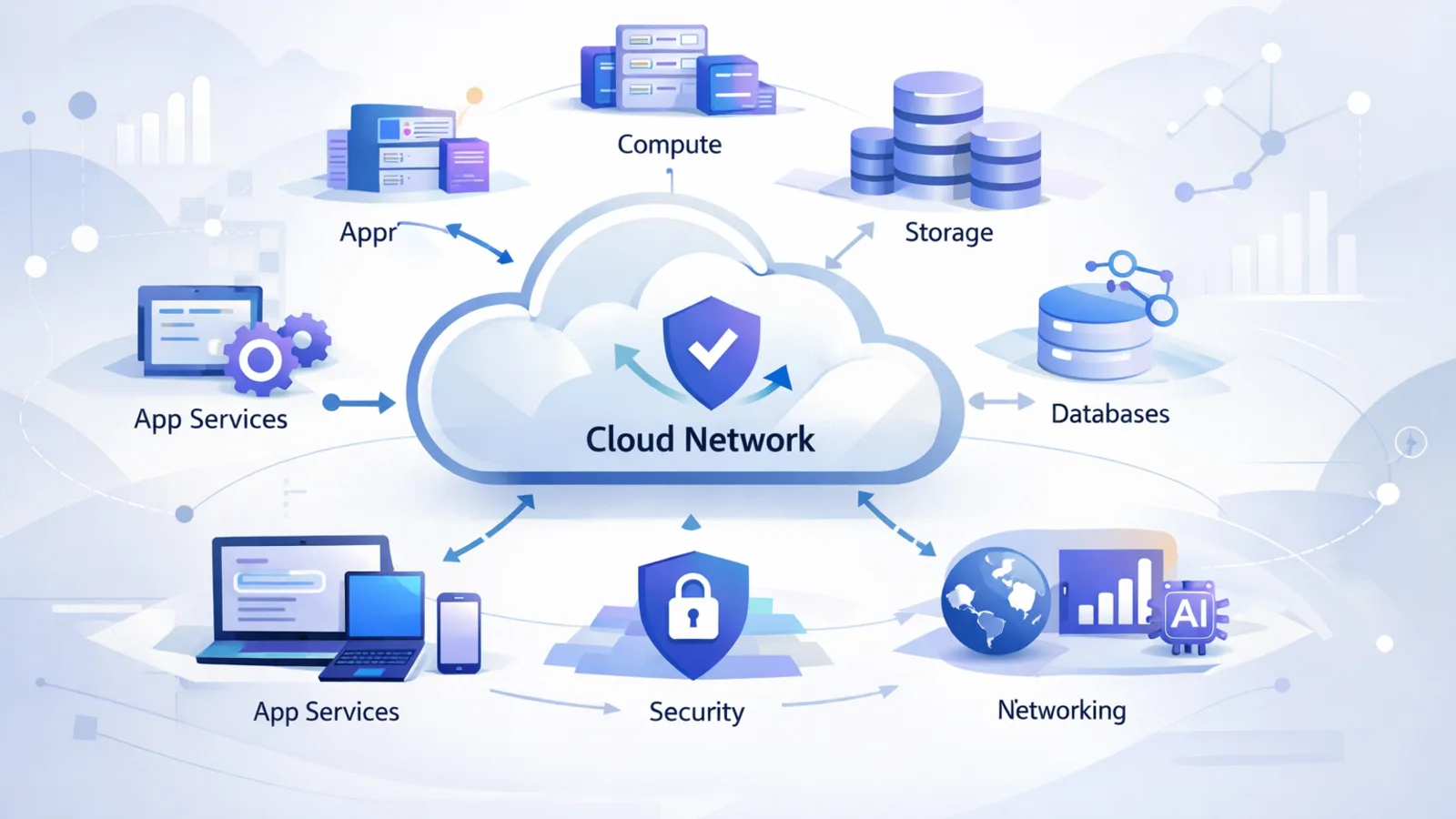
Managed cloud services remove the chaos from cloud adoption. We handle the planning, the migration, the security configuration, and the ongoing administration. You get the benefits of cloud infrastructure without needing to become a cloud expert yourself. When something needs attention, we are already watching and we handle it. When you want to grow, we scale your environment with you. When Microsoft or Amazon changes something, we adapt your configuration so you do not have to track every platform update.
The result is a cloud environment that actually works the way the brochure promised: reliable, secure, and genuinely easier to manage than the on-premises infrastructure it replaces.
Our Cloud Services
We cover the full lifecycle of cloud services, from initial planning through day-to-day operations. Here is what we manage:
Microsoft 365 Administration
Microsoft 365 is far more than email. A properly configured tenant includes Entra ID identity management, conditional access policies, SharePoint architecture, Teams governance, Exchange Online policies, Intune device management, and licensing optimization. Most businesses use only a fraction of what they are paying for, and many have security gaps they do not know about.
We handle complete Microsoft 365 tenant administration. This includes onboarding and offboarding users, managing licenses to avoid overspend, configuring security defaults and advanced threat protection, building SharePoint sites and Teams structures that match how your team actually works, and setting up Entra ID to control who can access what from which devices and locations. When Microsoft releases new features or changes policies, we evaluate the impact on your tenant and adjust accordingly.
Cloud Migration Planning and Execution
A good migration starts with a thorough assessment. Before moving anything, we document what you have: servers, applications, data volumes, dependencies, and compliance requirements. We identify which workloads are ready to move, which need preparation, and which should stay on-premises. From that assessment we build a phased migration plan with realistic timelines and defined rollback procedures.
Execution follows the plan. We migrate in phases, test each phase before proceeding, and schedule cutovers during low-traffic windows to minimize disruption. We do not hand you a set of new cloud credentials and call the migration complete. We verify that your applications function correctly in the new environment, train your team on any workflow changes, and stay involved through the stabilization period after cutover.
Azure and AWS Management
Running virtual machines and services in Azure or AWS requires ongoing attention. Resources accumulate over time. Costs rise. Security configurations drift. Performance degrades in ways that are not obvious until something breaks.
We provide ongoing management of your Azure and AWS environments including virtual machine administration, storage management, network configuration, security group maintenance, and backup policy enforcement. Cost optimization is a continuous process: we monitor your resource utilization, identify waste, and recommend right-sizing or reserved instance purchases where the math makes sense. We set up monitoring and alerting so that infrastructure problems surface to us before they affect your users.
Cloud Backup and Recovery
The most common misconception about cloud services is that the cloud provider handles backup. Microsoft keeps your Microsoft 365 data available, but availability is not the same as backup. If an employee deletes a year of email, or ransomware encrypts files synced to OneDrive, Microsoft's native retention periods and recycle bins have hard limits. True backup means point-in-time recovery with retention periods your business controls.
We implement dedicated cloud backup for Microsoft 365 covering Exchange Online, SharePoint, OneDrive, and Teams. For servers running in Azure or AWS, or on-premises servers backing up to cloud storage, we configure automated backup jobs, verify recovery procedures regularly, and maintain immutable copies that ransomware cannot reach. When you need to recover data, we restore it quickly rather than spending hours figuring out where it went.
Hybrid Cloud Architecture
Not every business can move everything to the cloud at once. Some workloads require low latency, specialized hardware, or compliance frameworks that dictate on-premises storage. Hybrid cloud architecture connects your existing infrastructure to cloud platforms so both sides work together rather than as separate islands.
Common hybrid scenarios we implement include syncing on-premises Active Directory to Entra ID for unified identity across local and cloud resources, site-to-site VPN connections between your offices and Azure virtual networks, Azure Arc for managing on-premises servers through the same tools used for cloud infrastructure, and tiered storage that keeps frequently accessed data local while archiving older data to cloud storage automatically. Hybrid architecture is not a compromise. For many businesses it is the right long-term answer.
Cloud Security and Compliance
Cloud platforms are secure when configured correctly. The word "when" carries a lot of weight. Default settings on Microsoft 365 and cloud infrastructure platforms are designed for ease of setup, not for security. Businesses that simply accept defaults often have significant exposure they are unaware of.
We implement cloud security controls appropriate to your environment and industry. For Microsoft 365 this includes multi-factor authentication enforcement, conditional access policies that restrict sign-ins based on device compliance and geographic location, data loss prevention rules that prevent sensitive information from leaving your organization through email or file sharing, and audit logging that captures all administrative and user actions. For Azure and AWS environments we configure network security groups, role-based access control, encryption at rest and in transit, and compliance reporting. For regulated industries like healthcare and finance, we align cloud configurations to the relevant compliance frameworks.
Who Benefits from Cloud Services
Cloud services are not one-size-fits-all, but certain business profiles consistently see strong returns from moving workloads to managed cloud environments:
Remote and Hybrid Teams
Businesses with employees working from multiple locations or home offices get immediate value from cloud services: consistent access to files and applications from any device, without VPN complexity or server dependency
Healthcare Organizations
HIPAA-compliant cloud configurations for clinics, therapy practices, and health services organizations that need to store and share patient information securely across care teams
Professional Services
Law firms, accounting practices, and consulting firms that manage sensitive client documents benefit from cloud-based document management with granular access controls and audit trails
Growing Businesses
Companies adding headcount or opening new locations can scale cloud infrastructure immediately without waiting on hardware procurement or data center expansion
Multi-Location Operations
Businesses with multiple offices get centralized management and a consistent user experience across all locations, with identity and security policies enforced uniformly
Cloud Done Right Saves Money
Cloud services have a reputation for runaway costs, and that reputation is earned when cloud environments are unmanaged. The promise of cloud economics is real, but realizing it requires active management rather than simply moving workloads and watching the invoice grow.
The genuine financial case for cloud starts with eliminating hardware refresh cycles. On-premises servers have a lifespan. When they age out, replacing them is a significant capital expense that arrives on a schedule you did not choose. Cloud infrastructure does not depreciate the same way. You pay for what you use, you scale up when you need capacity, and you scale back when you do not. The hardware lifecycle problem disappears.
Licensing consolidation is another real saving. Many businesses are running redundant tools: one platform for file storage, another for video calls, a third for project management, paid separately. Microsoft 365 consolidates most of these into a single per-user license. When we audit a new client's software spend, we regularly find overlap and redundancy that a well-configured Microsoft 365 deployment eliminates.
The ongoing cost discipline that managed cloud services provides is what keeps the economics working over time. Left unmanaged, cloud environments accumulate orphaned resources, oversized virtual machines, and unused storage. Active management keeps those costs in check. The combination of capital expense elimination, licensing consolidation, and ongoing cost optimization produces real total cost of ownership improvements for most businesses that make the transition thoughtfully.