Fix KB5079473 Crashes and Freezes - March 2026
KB5079473 is causing Explorer freezes, blue screens, and app crashes. Here is how to stabilize your system or roll back safely.


Windows OS troubleshooting, updates, and fix guides
KB5079473 is causing Explorer freezes, blue screens, and app crashes. Here is how to stabilize your system or roll back safely.
KB5079473 replaced Secure Boot certificates and now your PC will not start. Here is how to reset Secure Boot and get back in.
Windows 11 says your printer driver is unavailable. Microsoft blocked legacy V3/V4 drivers from Windows Update. Here's how to fix it.
Microsoft killed the fake email trick in 24H2. Here are six ways to skip the Microsoft Account during Windows 11 setup that still work right now.
Your PC doesn't meet Windows 11 requirements but runs fine. Here's how to bypass TPM 2.0, Secure Boot, and CPU checks and install it anyway.
After KB5079473, personal Microsoft accounts can't sign in to OneDrive, Teams, Edge, or Copilot. Here's how to fix error 0x800704cf fast.
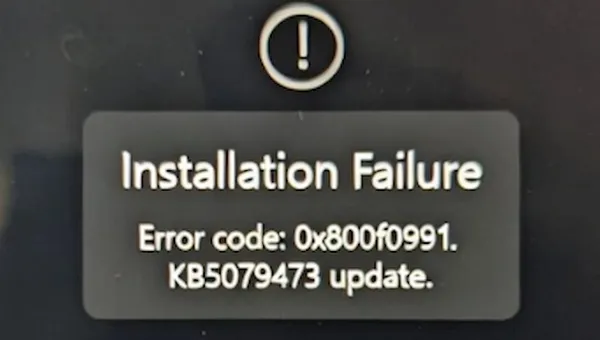
The March 2026 update KB5079473 is failing to install on many machines, especially Surface and Snapdragon devices. Here's how to break the loop.
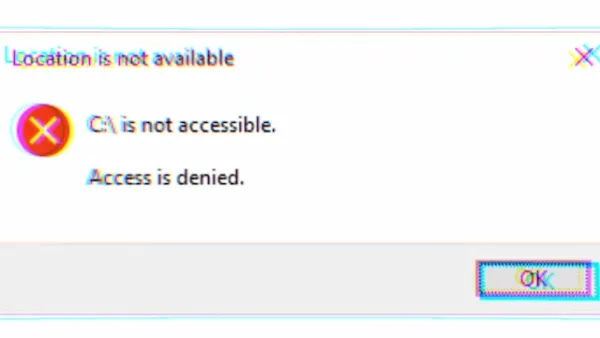
Galaxy Book users seeing "C:\ is not accessible. Access is denied" after a recent update - it's not Windows. Here's the real fix.
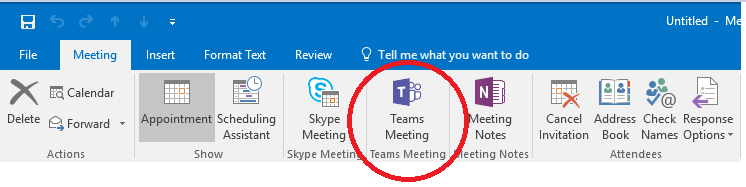
Outlook disables the Teams Meeting add-in every few days because it loads too slowly. Here's the permanent registry fix to stop the cycle.
The Teams Meeting button vanished from your Outlook ribbon after a Teams update. The COM add-in registration is stale. Here's the fix.
Fix the 0xc0000005 crash in Classic Outlook caused by the Teams Meeting Add-in version conflict (Microsoft incident EX1254044).
Windows Sandbox hangs then fails with 0x800705b4? Four tested fixes for Windows 11 25H2 and 26H1.