

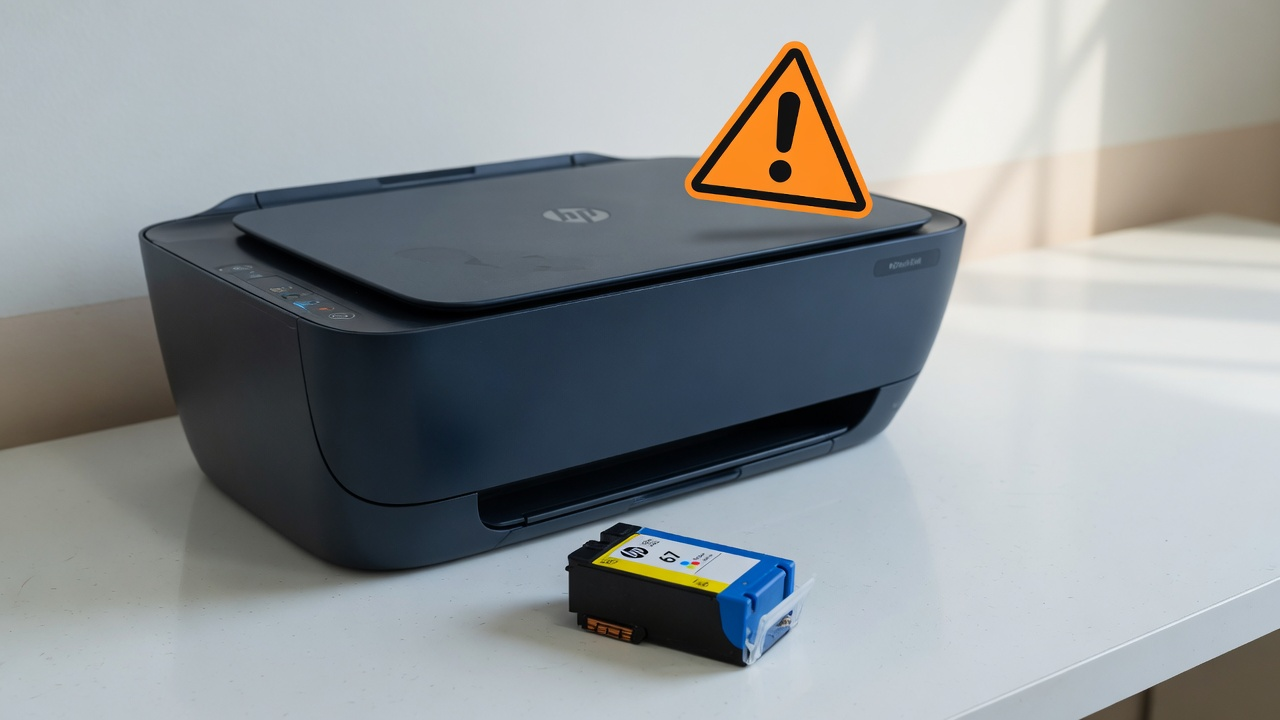
Your HP printer worked fine yesterday. Today it refuses to print and shows "Non-HP Chip Detected" on a cartridge that was printing perfectly. Nothing failed. A firmware update changed the rules.
What's Actually Happening
HP calls this Dynamic Security. Firmware on affected printers checks the chip on each cartridge, and cartridges using non-HP chips, including many refilled, remanufactured, and third-party cartridges, get blocked from printing. HP is open about this on its official supplies security page: the block is intentional, updates can add it to a printer that didn't have it before, and cartridges that worked before an update can stop working after one.
HP: printer security and cartridge policy
Your Options
Use HP cartridges. Original HP cartridges and refilled cartridges that reuse an original HP chip aren't blocked. This is the only path HP supports, and for a business printer in daily use it's the option that never fights you.
Ask your cartridge supplier for a compatible chip revision. Third-party manufacturers update their chips in response to firmware changes. Many suppliers will swap blocked stock for cartridges with newer chips at no cost.
Turn off automatic firmware updates. This won't unblock a cartridge that's already blocked, but it stops the next firmware push from changing the rules again mid-cartridge. On most models: printer settings or the printer's web interface, Printer Update or Web Services settings, set updates to notify or off. Weigh this one honestly, since firmware updates also carry real security fixes for network printers.
Factor it into the next printer purchase. If third-party toner economics matter to your business, check whether a printer line uses cartridge chip enforcement before you standardize on it.
Why This Keeps Happening
Printer hardware is sold near cost and the margin lives in supplies, so vendors protect the supplies revenue. HP has run Dynamic Security since 2016, has paid settlements over it in multiple countries, and keeps shipping it anyway. It is not going away. Businesses running fleets of HP printers with third-party toner should treat a surprise firmware push as a recurring operational risk, the same way you'd treat a Windows update: control when it happens, not whether you're surprised by it.
Related Posts
Fix Printer Error 0x00000709 on Windows 11
Fix: Printer Driver Unavailable on Windows 11
Fix Printer Error 0x00000bc4 "No Printers Were Found"
Tired of printer surprises eating your office's morning? Contact Rain City Techworks.