

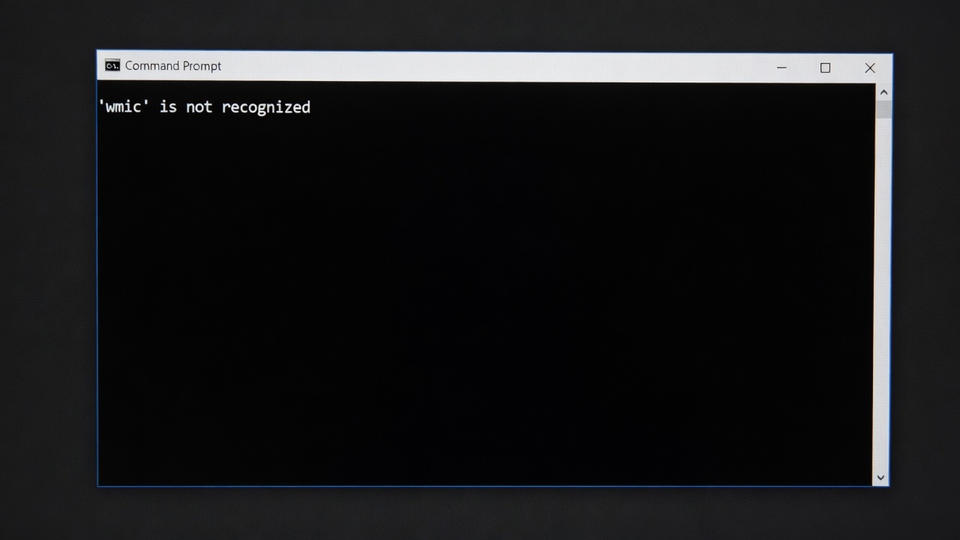
Running a script that worked for years and suddenly seeing "'wmic' is not recognized as an internal or external command"? WMIC is gone. Microsoft has been walking it out the door since 2016, and current Windows 11 builds ship with it disabled by default. Per Microsoft's official notice, the next feature update removes it completely, with no way to add it back.
Quick Fix: Add It Back (For Now)
On Windows 11 24H2 and 25H2, WMIC still exists as an optional Feature on Demand. Reinstall it from an elevated PowerShell:
Add-WindowsCapability -Online -Name WMIC~~~~Or through the GUI: Settings, System, Optional features, Add an optional feature, search for WMIC.
Treat this as a bridge, not a fix. Microsoft states WMIC will be completely removed in the next Windows 11 feature update and won't be available as a Feature on Demand at all. Scripts that depend on it are on borrowed time.
Microsoft: WMIC removal from Windows
The Real Fix: Migrate to PowerShell
WMI itself isn't going anywhere, only the old command-line client. Everything WMIC did, Get-CimInstance does better. The common translations:
Operating system info:
wmic os get caption,version
# becomes
Get-CimInstance Win32_OperatingSystem | Select-Object Caption, Version
Serial number and model:
wmic bios get serialnumber
# becomes
Get-CimInstance Win32_BIOS | Select-Object SerialNumber
Running processes:
wmic process list brief
# becomes
Get-CimInstance Win32_Process | Select-Object Name, ProcessId
Remote queries work the same way with the ComputerName parameter:
Get-CimInstance Win32_OperatingSystem -ComputerName SERVER01One warning that carries over from the WMIC days: avoid querying Win32_Product. It triggers a repair check on every installed MSI package and can take minutes. Use the registry uninstall keys instead; our installed-software guide below shows how.
Find Your WMIC Dependencies Before the Removal Does
Search your script repositories, scheduled tasks, and RMM tooling for wmic references now:
Get-ChildItem -Path C:\Scripts -Recurse -Include *.bat,*.cmd,*.ps1 | Select-String -Pattern "wmic" | Select-Object Path, LineNumberAnything that surfaces needs a Get-CimInstance rewrite before the next feature update lands.
Related Posts
List All Installed Software (with Uninstall Strings)
Get Monitor Serial Number Remotely via PowerShell
Reveal Saved WiFi Passwords in PowerShell
Got a pile of legacy scripts that need modernizing before Microsoft breaks them? Contact Rain City Techworks.