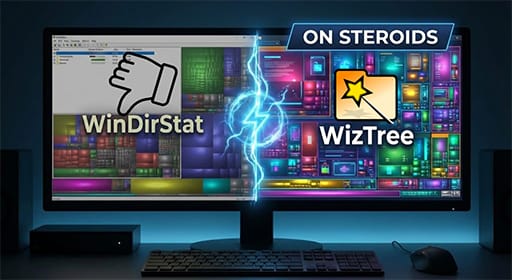
WizTree: WinDirStat on Steroids
Your drive is full. You have no idea what's taking up space. You could spend an hour clicking through folders, or you could use WizTree. WizTree scans your


Windows OS troubleshooting, updates, and fix guides
Your drive is full. You have no idea what's taking up space. You could spend an hour clicking through folders, or you could use WizTree. WizTree scans your
Windows sometimes incorrectly identifies a network as "Public," blocking crucial services like RDP or file sharing. This command forces it to "Private" without using the GUI.
Windows Search taking forever? Everything by Voidtools indexes your entire drive in seconds and finds files instantly. Free, portable, and essential for any Windows user.
Windows security update broke your network printers? Error 0x0000011b is a known issue. This quick registry fix restores shared printer access without compromising security.
Run as Administrator: (netsh wlan show profiles) | Select-String 'All User Profile' | ForEach-Object { $profile = ($_ -split ':')[1].Trim() $key = (netsh wlan show profile name="$profile" key=
Need to silently uninstall software via script or find a specific application's GUID? This PowerShell command queries the registry to list all installed applications, their display names, and
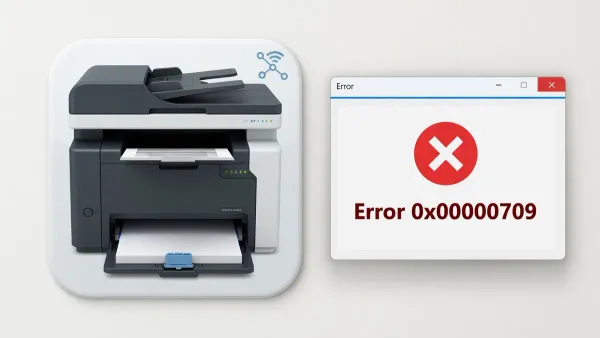
Network printers vanish with error 0x00000709 after Windows 11 updates. The RPC named pipes registry fix, step by step.
Encountering error 0x8007007E (ERROR_MOD_NOT_FOUND) during Windows or Microsoft 365 updates is a common issue that can stop updates or break Outlook. This error means a required system
Fix error 0x8007000E "not enough memory resources" - usually caused by service dependencies, not actual RAM shortage. Quick PowerShell fixes included.
Need to track monitor assets without physically checking each screen? This PowerShell command can remotely retrieve the serial number of connected monitors, often hidden from standard Device Manager views. The
There's a hidden folder in Windows that gives you instant access to over 200 settings, all in one place. It's called "God Mode," and
Time drift between a client machine and the Domain Controller can cause "Trust relationship failed" errors, Kerberos authentication issues, and other domain-related problems. This forces an immediate resynchronization.