

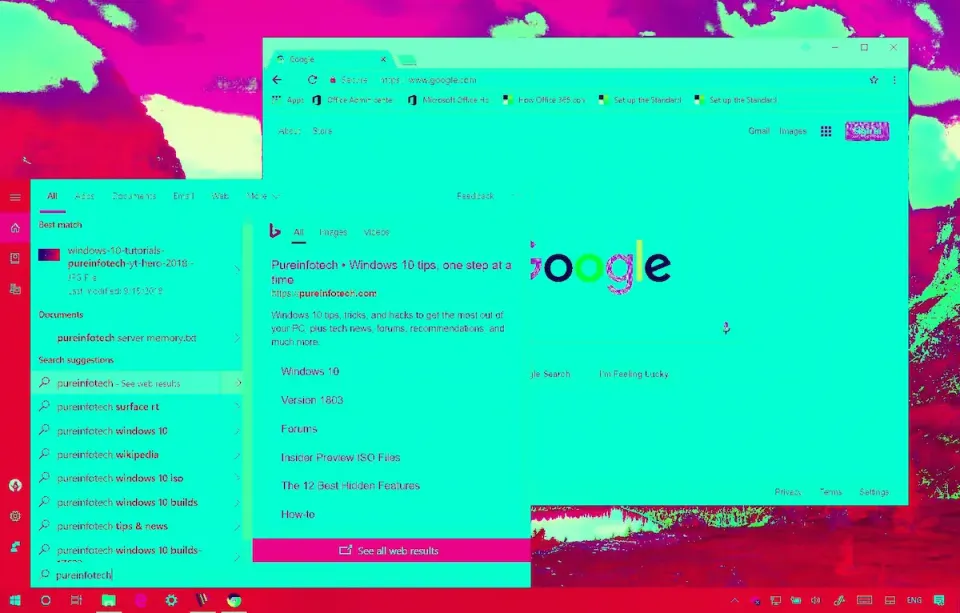
Windows 11 Start Menu search stopped returning results for some users starting around April 6. If you're seeing a blank search panel or results that won't respond to clicks, Microsoft already has a fix rolling out.
What's Happening
Microsoft's Windows release health dashboard tracks this as WI1273488. A Bing search backend update pushed on April 6 was intended to improve Start Menu search performance but broke results for a subset of Windows 11 23H2 devices. Affected machines show a blank search panel or display results with no clickable items.
Microsoft pulled the Bing backend change and is rolling out the correction. No Windows Update is involved on your end.
Who's Affected
The issue is limited to Windows 11 23H2. Microsoft described the affected group as "a small number of users," though IT admins spotted it broadly enough across fleets to flag it quickly. Devices running 24H2 or 25H2 aren't showing the same pattern.
What to Do
In most cases, nothing. The fix propagates from Microsoft's servers automatically.
If search is still broken after waiting a day, try these steps:
Restart Windows Explorer
Open Task Manager, locate "Windows Explorer" in the Processes tab, right-click, and choose Restart.
Reboot the PC
A full restart clears search cache state and re-establishes the Bing connection.
Check release health status
Visit the Windows 11 release information page and confirm WI1273488 shows resolved for your build.
What Not to Do
Don't disable Bing search integration as a workaround. Since this is server-side, disabling the feature won't speed anything up and removes Start Menu functionality that users rely on.
Don't run SFC or DISM. Windows files aren't corrupted here.
Related Posts
- Fix KB5079473 Crashes and Freezes - March 2026
- Fix KB5085516 Not Installing - March 2026 Emergency Update
- Fix Windows Update and Microsoft Store Timeouts
Seeing unexplained Windows behavior across your fleet? Rain City Techworks provides managed IT support for businesses in the Seattle-Tacoma area. Get in touch if your team needs help.