


Every fresh Windows 11 install comes loaded with apps nobody asked for. Candy Crush, Clipchamp, Disney+, Xbox Game Bar, the new Copilot sidebar, and a pile of "suggestions" that are really ads.
Manually removing this stuff one machine at a time is a waste of time. These five tools handle it, and they all take different approaches.
1. Chris Titus Tech Windows Utility (WinUtil)
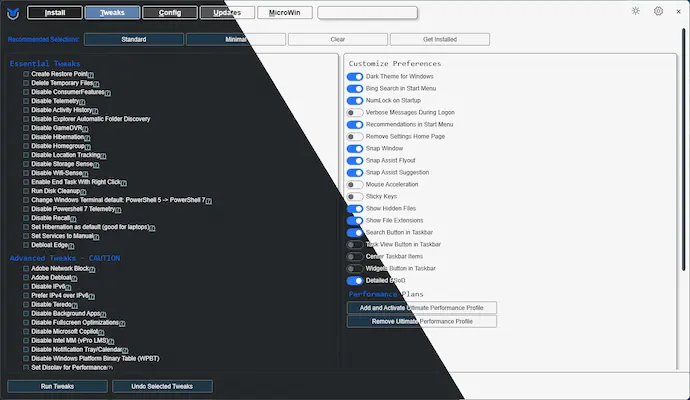
WinUtil does everything. App removal, telemetry blocking, bulk app installation via WinGet, Windows Update management, and custom Windows 11 ISO creation via the Win11 Creator tab. It's the one I'd keep on a USB drive and bring to every job.
Open PowerShell as admin and paste:
irm christitus.com/win | iex
That downloads and runs the tool directly. No install. You get tabs covering installs, tweaks, configuration, updates, and ISO building. It can strip out Edge, Copilot, OneDrive, and telemetry in a few clicks. The Win11 Creator tab builds stripped-down Windows 11 ISOs for clean fleet deployments.
It's MIT licensed with 46,800+ GitHub stars and has crossed 30 million runs. The source is pure PowerShell so you can read every tweak before running it. The defaults are opinionated though, so review the checkboxes before hitting apply. There's no per-tweak undo; Winutil creates a restore point automatically before applying changes.
2. O&O ShutUp10++
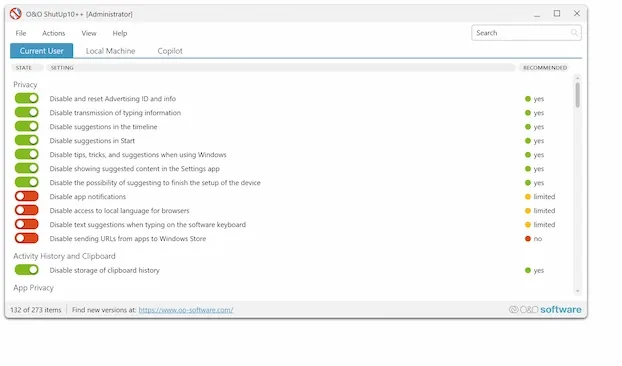
This one does one thing and does it well: privacy and telemetry settings. No bloatware removal, no app installer, no ISO builder. Just a clean list of toggle switches for every privacy-related setting in Windows.
The color-coded recommendations are genuinely helpful. Green means safe for everyone, yellow means think about it, red means you're making tradeoffs. It creates a system restore point automatically before applying changes and lets you export/import settings profiles across machines.
It's from O&O Software, a German company that's been around for 25+ years. It's also the only closed-source tool on this list, so you're trusting the vendor rather than auditing the code yourself. One other thing: settings may revert after major Windows feature updates.
If you need actual app removal alongside privacy settings, pair it with WinUtil or Win11Debloat.
3. Win11Debloat
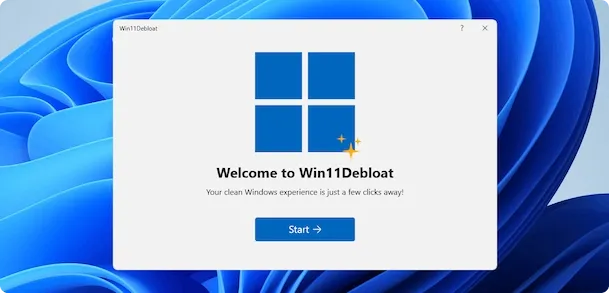
Raphire's Win11Debloat just got a GUI in February 2026, which matters because previously you had to work entirely through PowerShell. It removes bloatware, disables telemetry, kills Copilot, restores the Windows 10 right-click menu, and cleans up the taskbar.
The app removal list is configurable through an Apps.json file, so you can tailor it for your environment. It supports Windows Audit mode for OS image preparation if you're working with MDT or SCCM. There's also a CLI mode with a -CLI flag for scripting.
39,100+ GitHub stars puts it second after WinUtil in community size. The GUI is new and might have rough edges. No app installer or ISO builder here. Create a restore point manually before running.
GitHub | Latest: 2026.02.04
4. Sophia Script for Windows
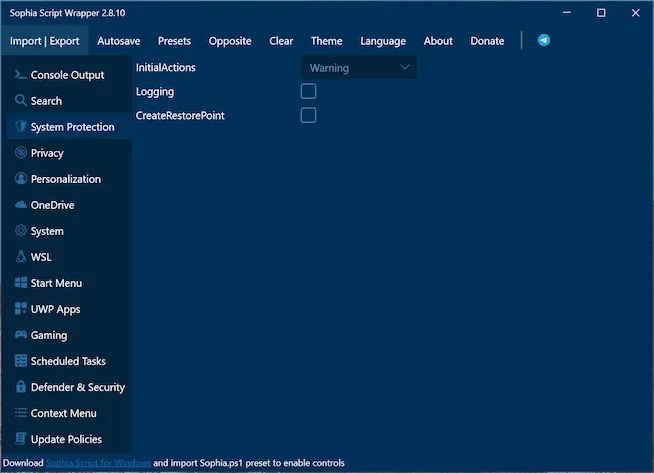
This is for people who want granular control. 150+ individual Windows tweaks, each selectable on its own. It's a PowerShell module that only uses Microsoft's officially documented methods: registry keys, Group Policy, PowerShell APIs. Nothing hacky.
It's the most enterprise-friendly option on this list. Windows 11 LTSC 2024 support, Group Policy support, ARM64 support. Available through WinGet, Chocolatey, and Scoop for fleet deployment. A SophiApp GUI wrapper exists if you'd rather click than type.
The tradeoff is complexity. You edit a Sophia.ps1 preset file before running, choosing which tweaks you want. It's not quick. It may also trigger endpoint protection false positives since it's a PowerShell script modifying system settings.
GitHub | Latest: v7.0.4
5. BloatyNosy
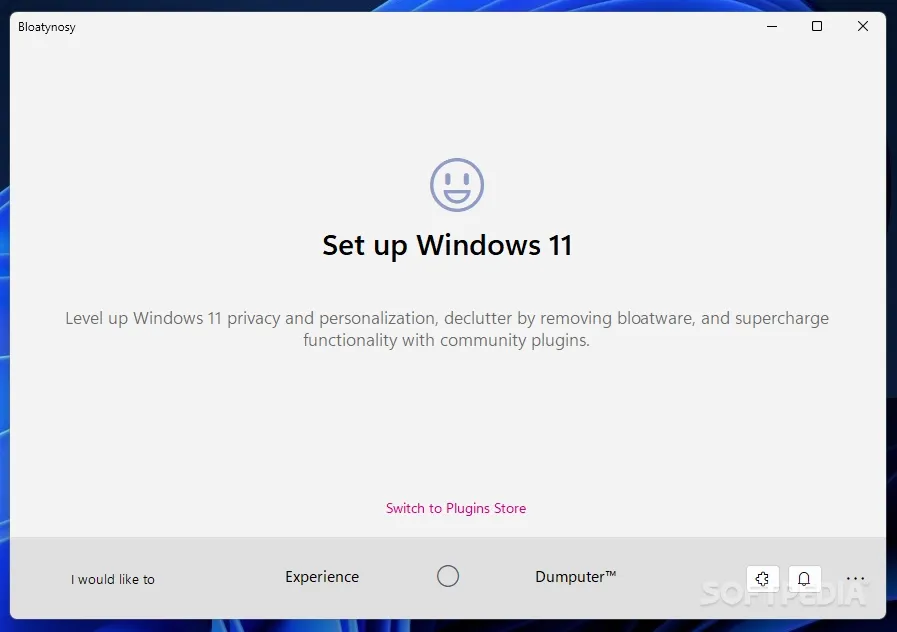
This project has been through a few names (ThisIsWin11, then Winpilot, now BloatyNosy) and some bumps along the way, including being pulled from the Microsoft Store at one point. It's stabilized since then, and the plugin-based approach is interesting if you like extending your tools.
Built specifically for Windows 11 with a native dark mode UI. A plugin store lets you add community modules, and an AppMatrix.json file provides regularly updated bloatware signatures. MIT licensed, 7+ million downloads.
Worth knowing: it's maintained by a single developer, and there's no Windows 10 support. If long-term maintenance matters to you, WinUtil or Sophia Script are safer choices. But for Windows 11 shops that like the modular plugin concept, it works.
GitHub | Latest: v1.0.20.522
Quick comparison
| Need | Tool |
|---|---|
| All-in-one (debloat + install + ISO) | WinUtil |
| Privacy/telemetry only, portable | O&O ShutUp10++ |
| Focused debloat with new GUI | Win11Debloat |
| Maximum granularity, enterprise/LTSC | Sophia Script |
| Windows 11 specific, plugin system | BloatyNosy |
For most people, WinUtil is the starting point. It covers 90% of what you need. Add O&O ShutUp10++ for finer privacy control, or Sophia Script if you're scripting deployments across a fleet.
All five are free. Four are open source. None require installation. Toss them on a USB drive.
Tired of cleaning up Windows installs across your office? Rain City Techworks handles workstation management, patching, and security for businesses in the Seattle-Tacoma area. Get in touch.